
digitalhumanOS™ is the multimodal clinical AI operating system that powers GIA®. It combines Voice AI, Computer Vision, Speech Biomarkers, and the Generative Intelligence Architecture to screen for 46 conditions in a single patient conversation — trained on 12.3M patients and 27B clinical records. FDA-registered and bundled on Samsung Health Grade Galaxy.
Every Day, Conditions Go Undetected.
GIA® is the Digital Human® who screens for 46 conditions using Voice AI, Computer Vision, and Speech Biomarkers — powered by digitalhumanOS™, the multimodal clinical operating system trained on 12.3M patients and 27B clinical records. FDA-registered. Bundled on Samsung Health Grade Galaxy.
Key Facts
- Conditions
- 46
- Patients
- 12.3M
- Records
- 27B
- Modalities
- 4
- Screening
- Under 5 min
- Results
- 60s
GIA® catches what overworked staff cannot — 46 conditions, screened in a single conversation, results in 60 seconds.
This content is intended for informational purposes and does not constitute medical advice. Editorially reviewed by David Kaiser, CEO of Scienza Health, for accuracy in post-acute care operations.
For SNF operators evaluating GIA® across their portfolio. Review our clinical governance framework and data intelligence platform.
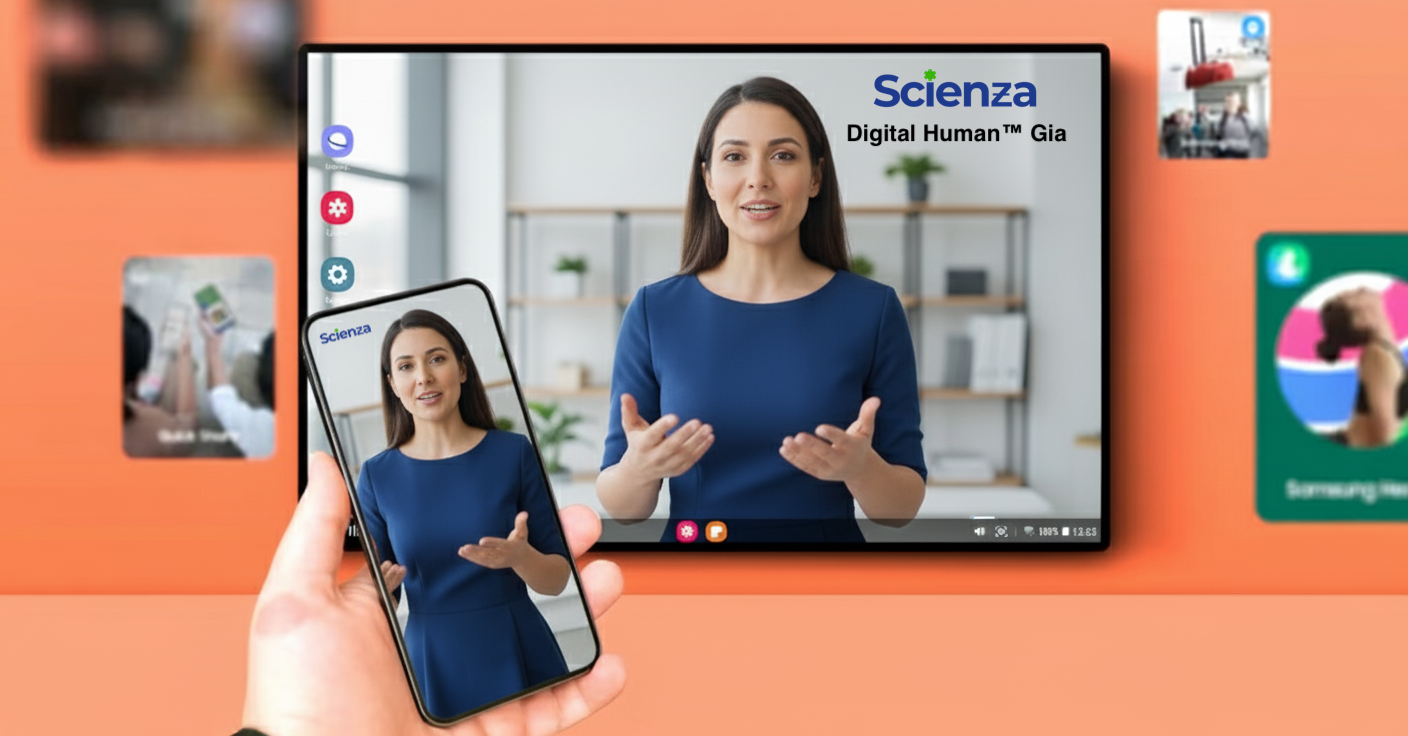
One Conversation.
Four technologies working in concert — so nothing gets missed.
GIA
Generative Intelligence Architecture
GIA orchestrates every screening — integrating voice, vision, and speech biomarker signals into a single clinical picture. It doesn't replace the clinician. It gives them what they never had time to find.

Voice AI
Hear what stethoscopes miss
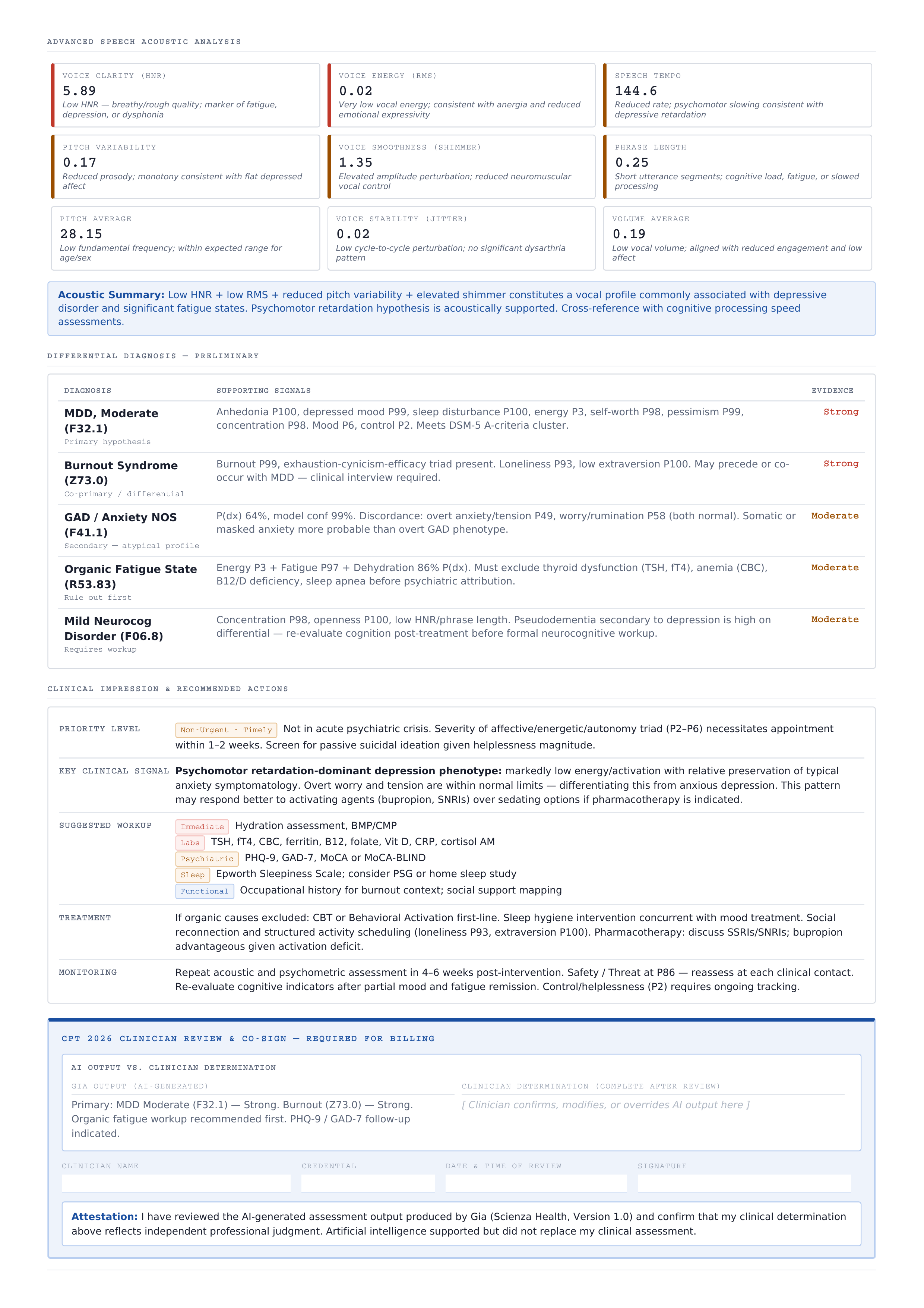
Subtle vocal tremors. Breath irregularities. Pauses that last a fraction too long. Voice AI captures acoustic signals that no clinician — no matter how experienced — can detect by ear alone.
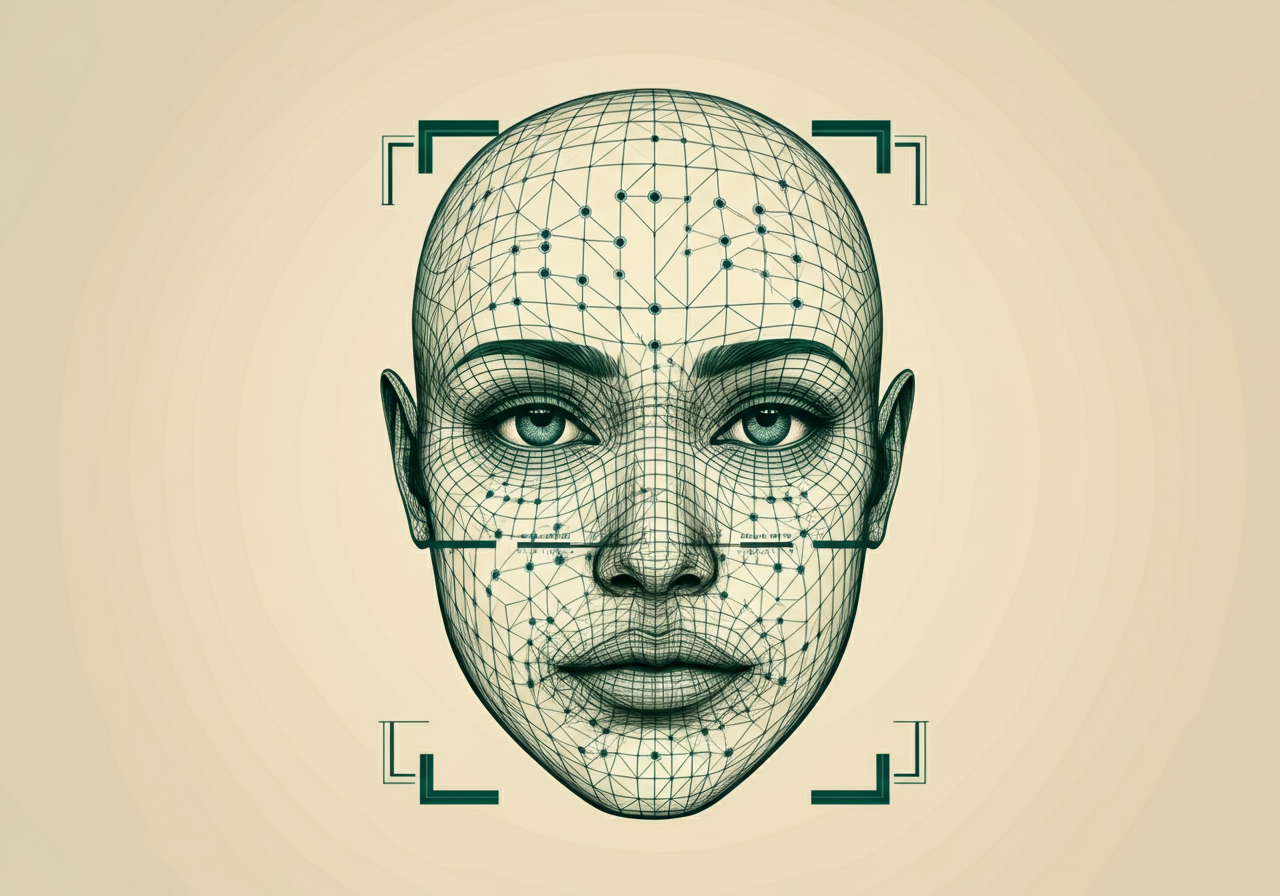
Computer Vision
See what the human eye overlooks
127 facial micro-expressions, limb movement, gait patterns, torso posture — Computer Vision tracks 436 visual biomarker data points total in real time, surfacing early signs of conditions like tardive dyskinesia, Parkinson's, and depression.

Speech Biomarkers
Disease speaks before it is diagnosed
2,500+ biomarkers extracted from 40 seconds of natural speech. Cognitive load, articulatory precision, prosodic variation — each one a signal. Together, they reveal what a standard assessment cannot.
Real-time clinical intelligence.
Platform questions.
How does automated cognitive screening work in long-term care settings?
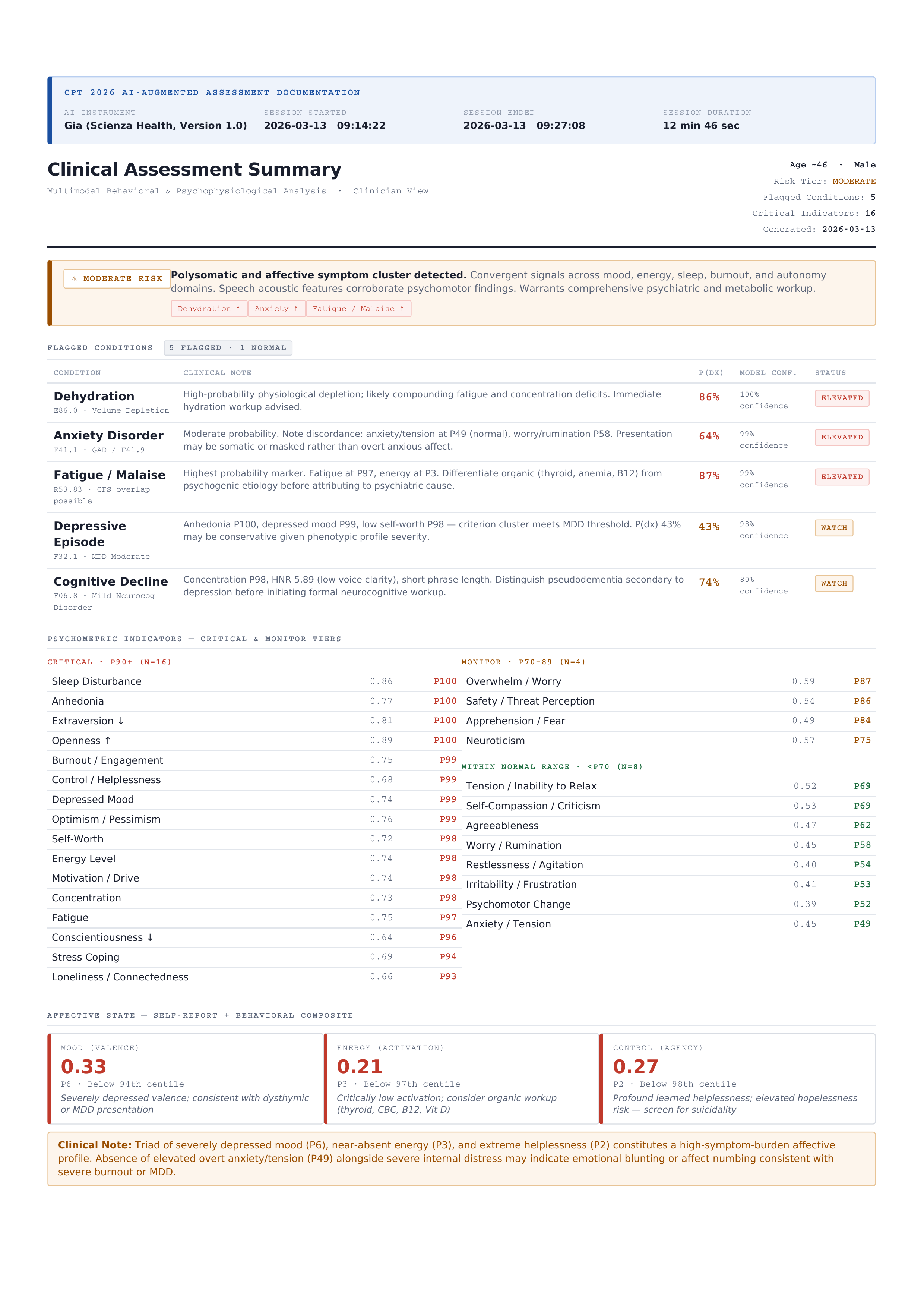
Traditional assessments like the MMSE, MoCA, and SLUMS take 20–30 minutes of clinical staff time per resident — time that most long-term care facilities cannot spare. Automated screening through GIA® by Scienza Health replaces that entire workflow with a single patient conversation using voice biomarkers, computer vision, and speech analysis. digitalhumanOS™ structures the transcript into clinical medical notes, assigns CPT codes, and prepares the session video for clinician review and submission to the EHR in under 2 minutes.
What does a Digital Human\u00AE do during a clinical screening conversation?
During each session, GIA® by Scienza Health greets the resident, conducts a natural conversation adapted to their pace and language, and captures 40 seconds of ambient speech for biomarker analysis. Simultaneously, computer vision tracks facial micro-expressions and movement patterns. After the conversation, digitalhumanOS™ structures the full transcript into clinical medical notes, assigns the appropriate CPT codes, and prepares the structured notes, biomarker results, and session video for clinician review and submission to the EHR.
How long does a GIA screening session take?
A complete screening session with GIA® by Scienza Health takes under 5 minutes of patient time, with just 40 seconds of natural speech needed for biomarker analysis. Structured medical notes, CPT codes, and session video are prepared for clinician review within 60 seconds of session completion. Clinician review and submission takes under 2 minutes. Total clinical workflow: under 7 minutes — compared to 20–30 minutes plus manual documentation required by traditional assessments like the MMSE, MoCA, and SLUMS.
What EHR systems does GIA integrate with?
Manual clinical documentation consumes up to 40% of nursing time in long-term care facilities. GIA® by Scienza Health eliminates that burden by preparing the complete clinical package for clinician review — structured medical notes, automated CPT codes, biomarker results, and the full session video. digitalhumanOS™ integrates with PointClickCare, MatrixCare, Epic, Cerner, NextGen, and Athena through HL7 FHIR and direct API connections. GIA® is available on the PointClickCare Marketplace for streamlined deployment.