
0:60Short
Explainers
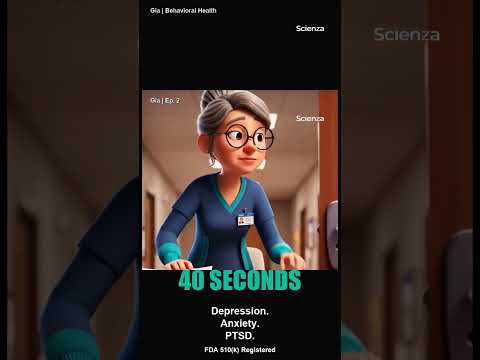
Behavioral Health Screening Through Speech
See how Gia screens for behavioral health conditions using natural speech biomarkers — no questionnaires, no staff time, just a 40-second conversation.
Product demos, brain-health explainers, and short-form clips showing how 40 seconds of natural speech screens for 35+ conditions.
See how Gia screens for behavioral health conditions using natural speech biomarkers — no questionnaires, no staff time, just a 40-second conversation.

A comprehensive product demo showing Gia's autonomous cognitive screening workflow end-to-end — from patient engagement through clinical reporting and EHR integration.

See how Gia screens patients for 35+ cognitive and neurological conditions in 40 seconds of natural conversation — with zero staff time. From EHR order to longitudinal tracking.

Your gut produces 95% of your serotonin. The Mediterranean diet reduced cognitive decline by 23%. But the earliest signs of cognitive change are invisible — except in your voice.

Watch Gia conduct a real-time cognitive screening in under a minute. No scheduling. No staffing burden. Just natural conversation.
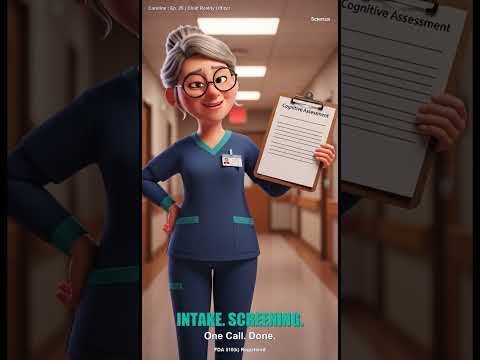
A quick look at how Scienza Health's Gia Digital Human screens for 35 conditions through speech biomarkers — autonomously.
The Gia™ AI voice assistant is available in the bottom right corner of the page. Click the voice assistant button to start a conversation.
The voice assistant can help you with clinical documentation questions, product information, and healthcare AI implementation guidance.